Using the system for video conferencing
If you have a video conference, you just need to join the meeting via the control pad.
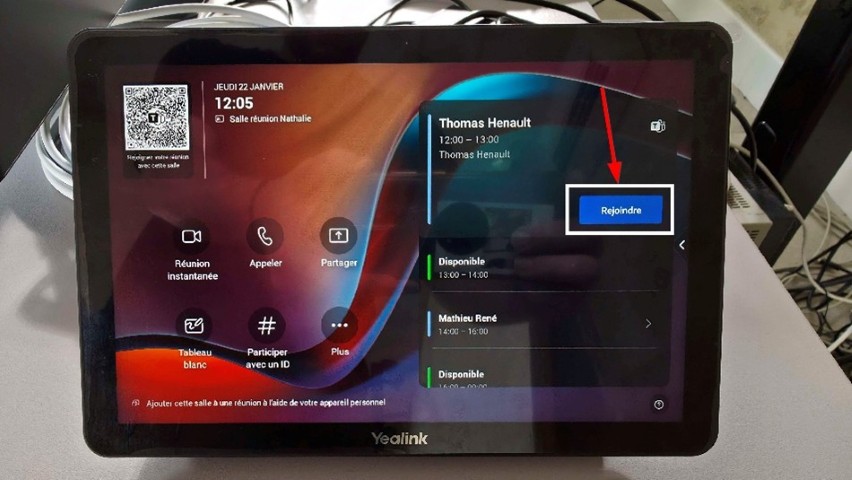
❗ Warning! You don't need to join the meeting with your own computer, otherwise, you will have echo in the room.
❗ Warning! Make sure the meeting room has the presenter role in the meeting. Otherwise, you won't be able to share your screen or activate the camera.
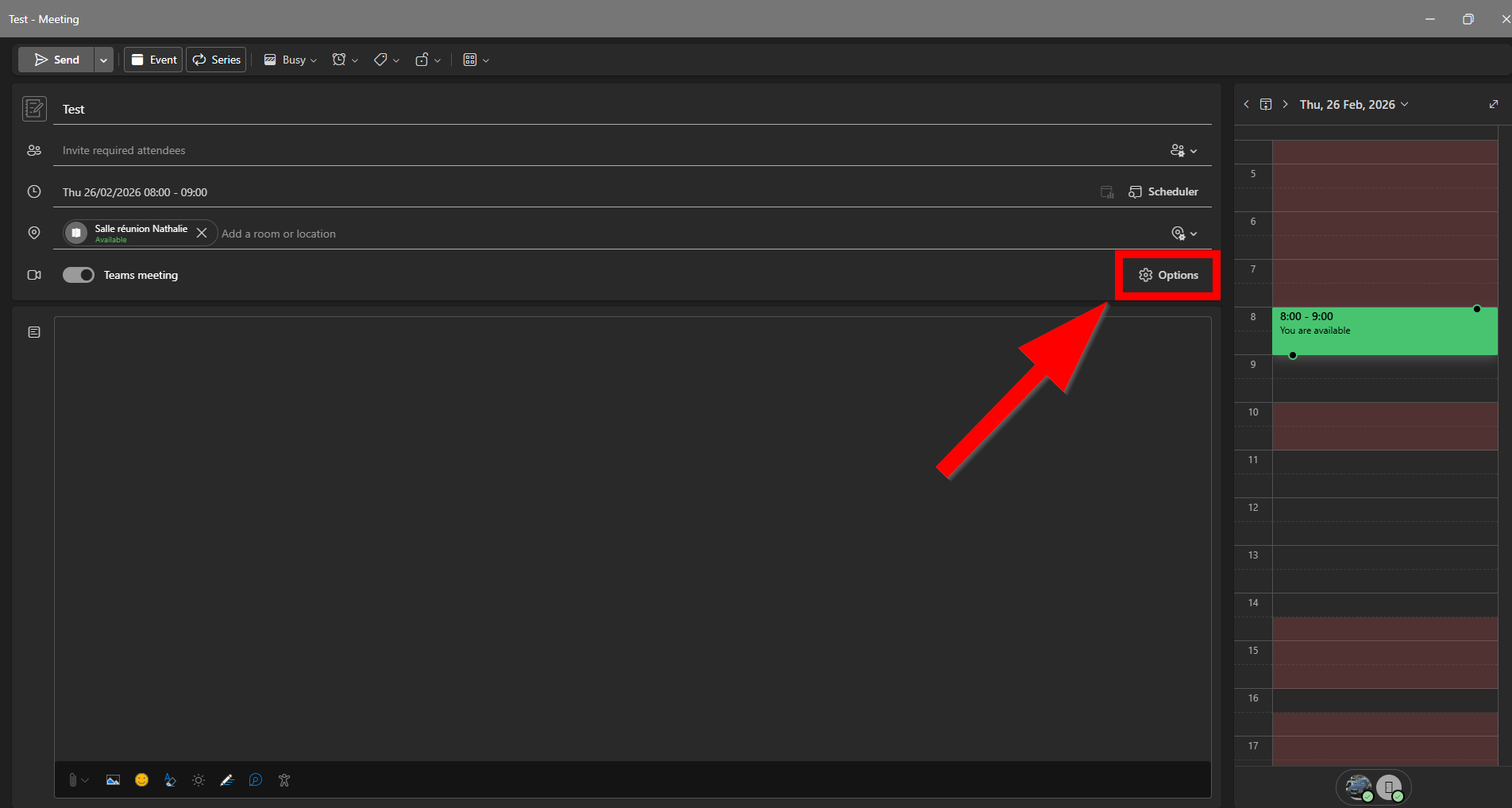
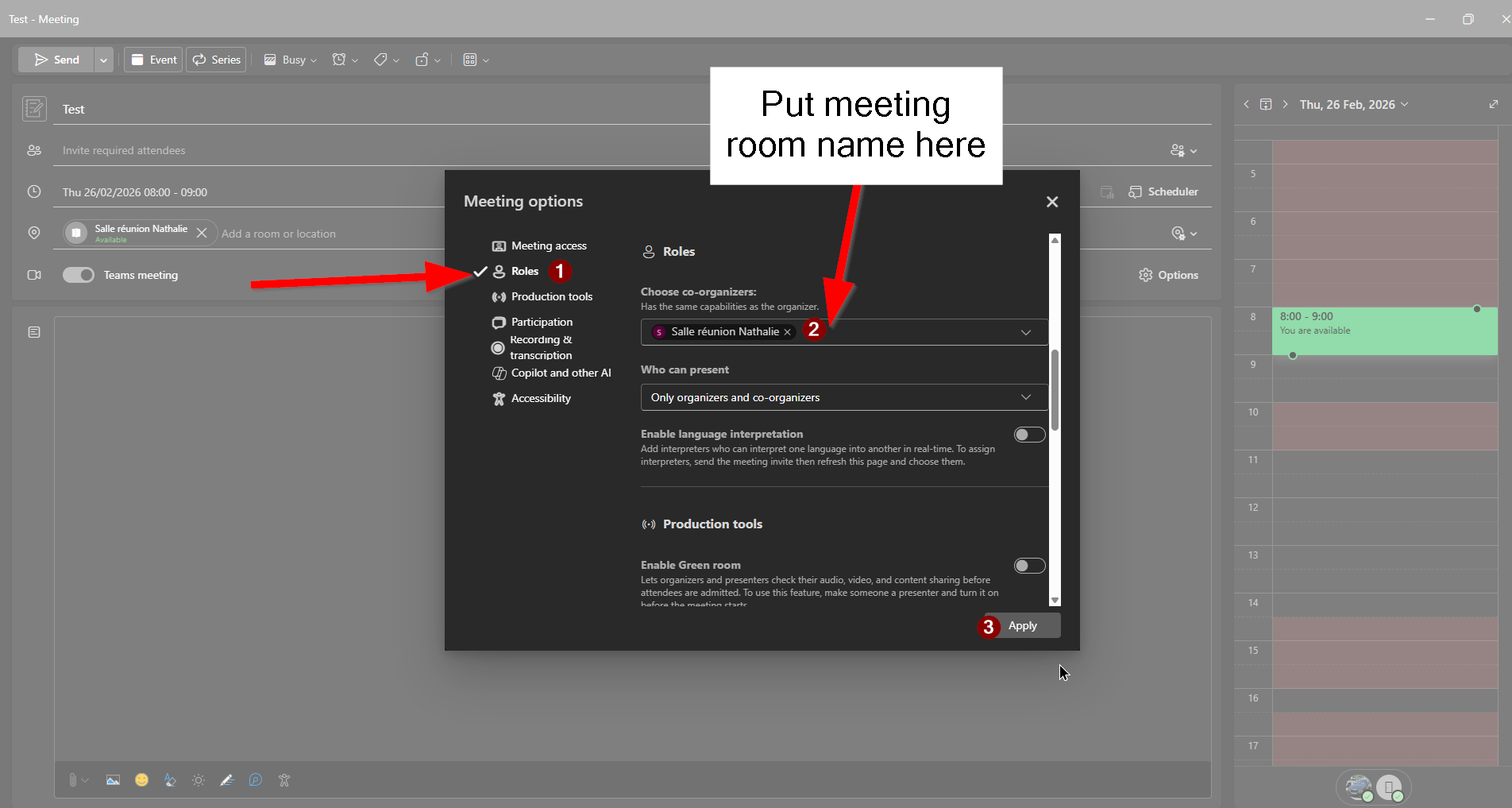
Now that you are in the meeting, here's how to share you screen
-
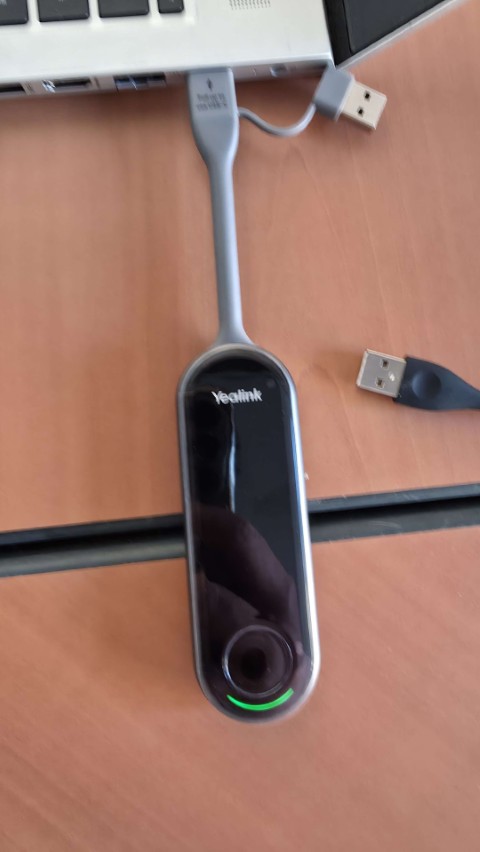
First method : The easiest solution is to connect the USB-C of the presentation assistant on your computer. This will act like a secondary screen.
-
When the little light becomes static green, your screen will be shared in the meeting.
-
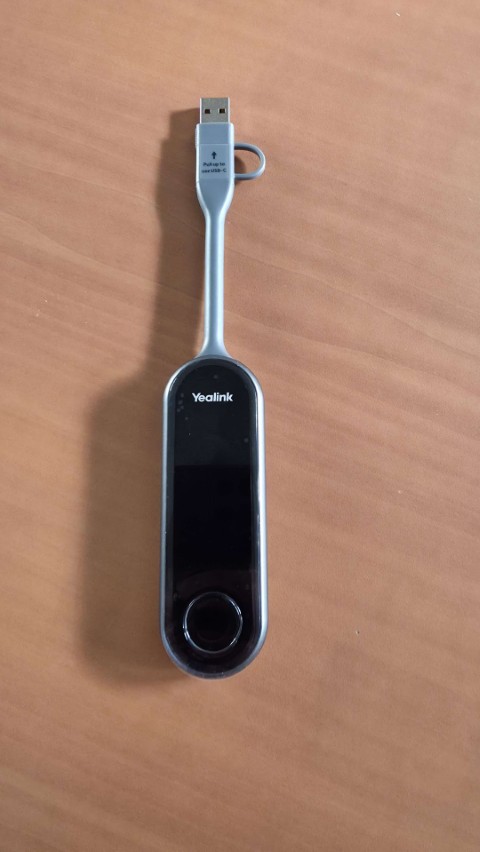
Second method : if you need your USB-C, for example, to charge your computer, you can use the classic USB.
-
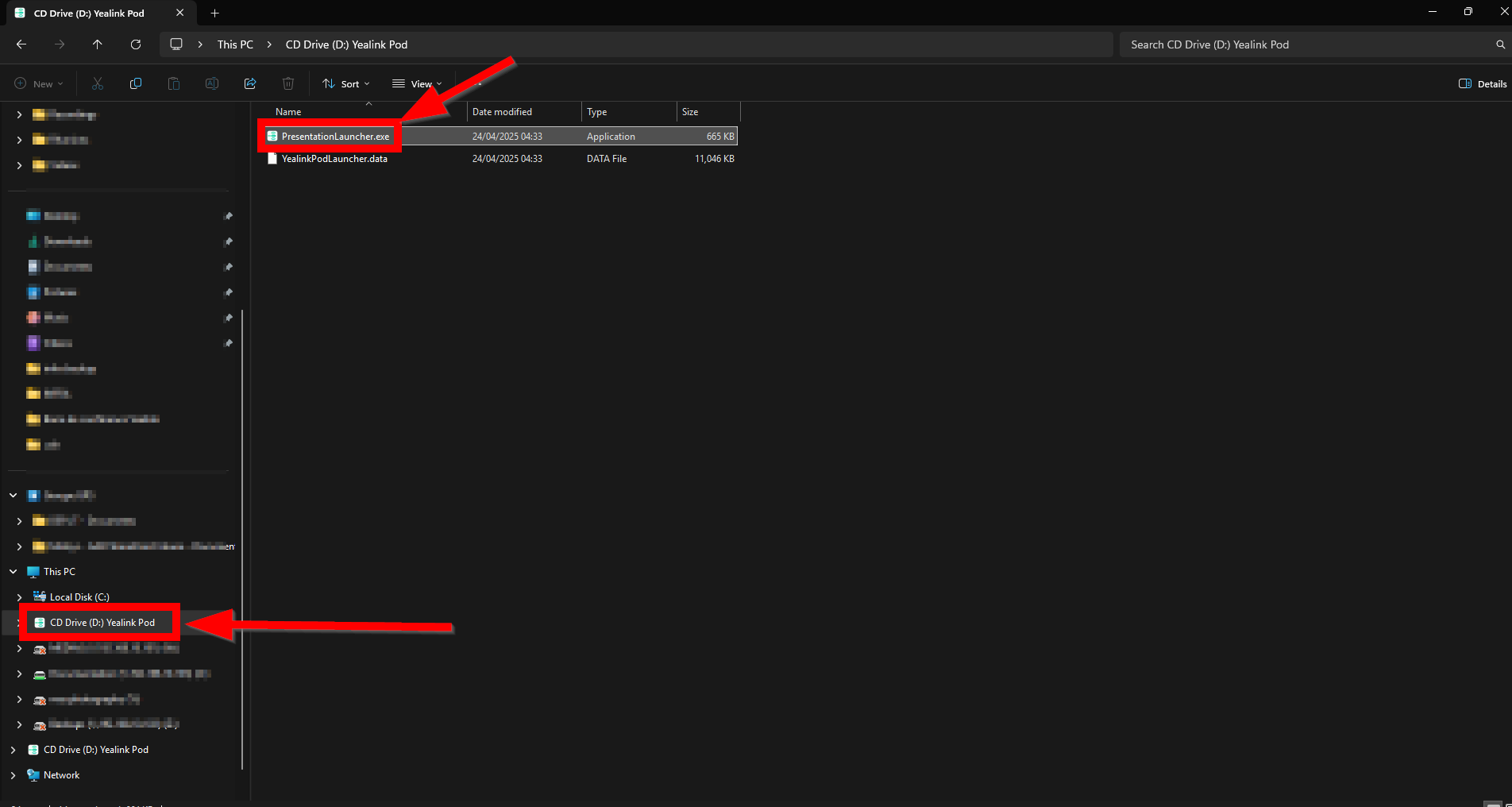
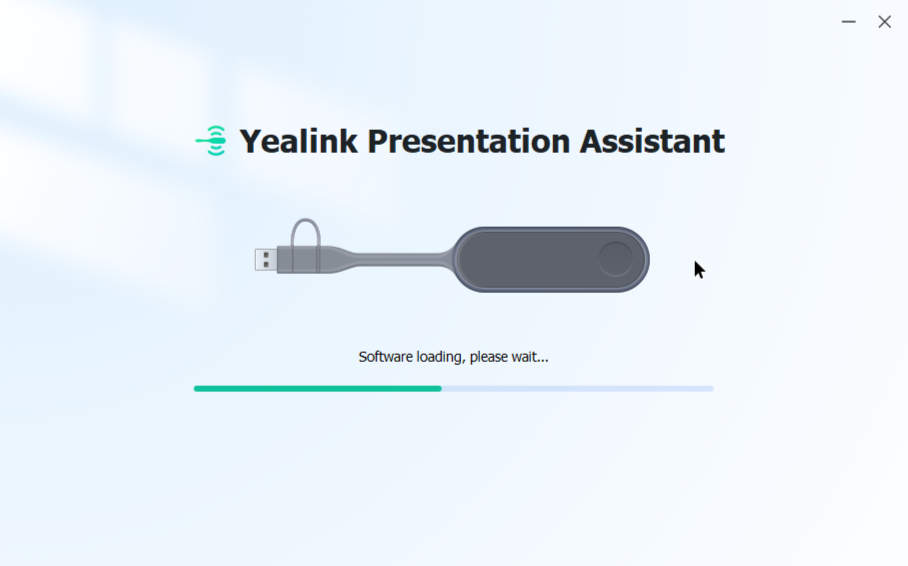
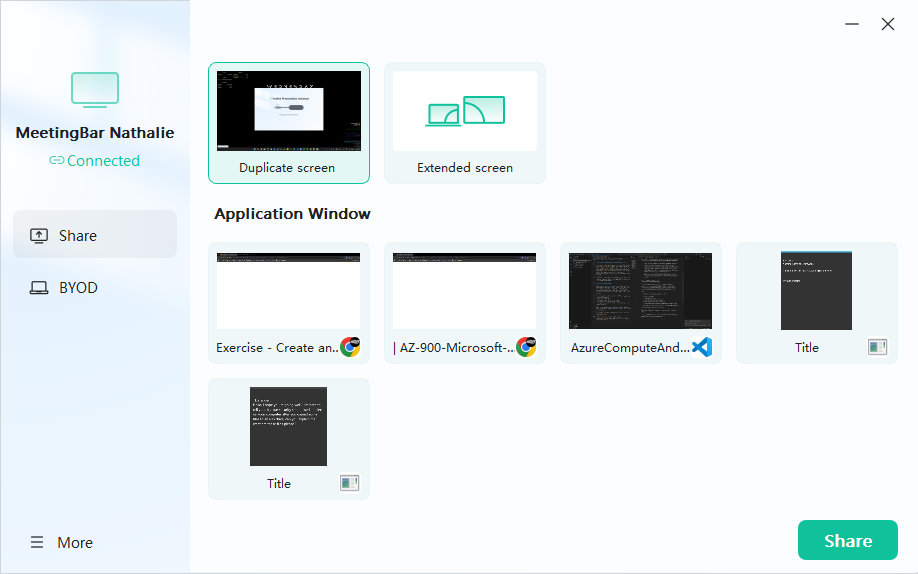
The assistant will act like an USB drive. You will find a little file, just execute it. It will show a progress bar at the end. You will be able to share your screen to the meeting.